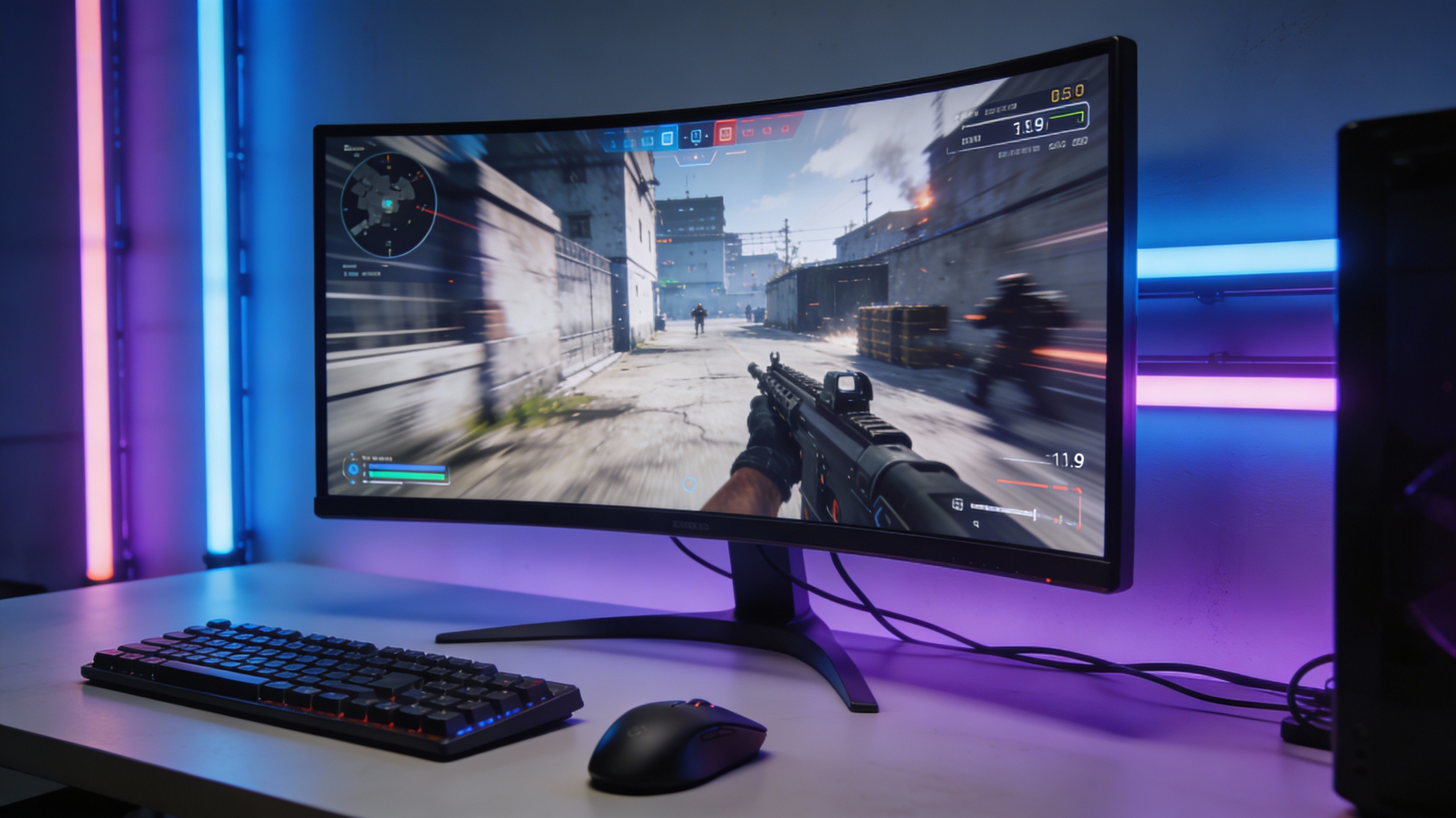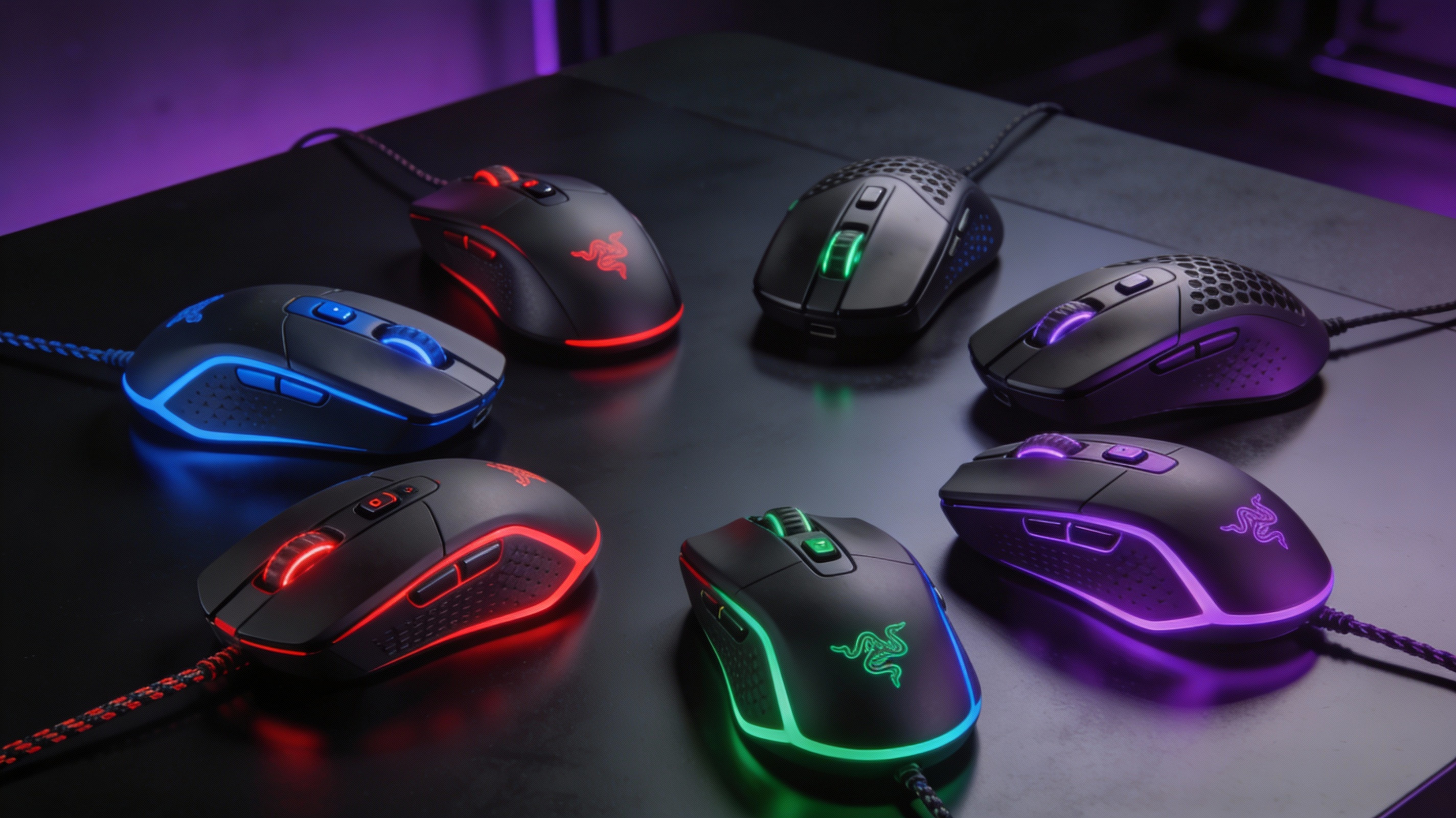
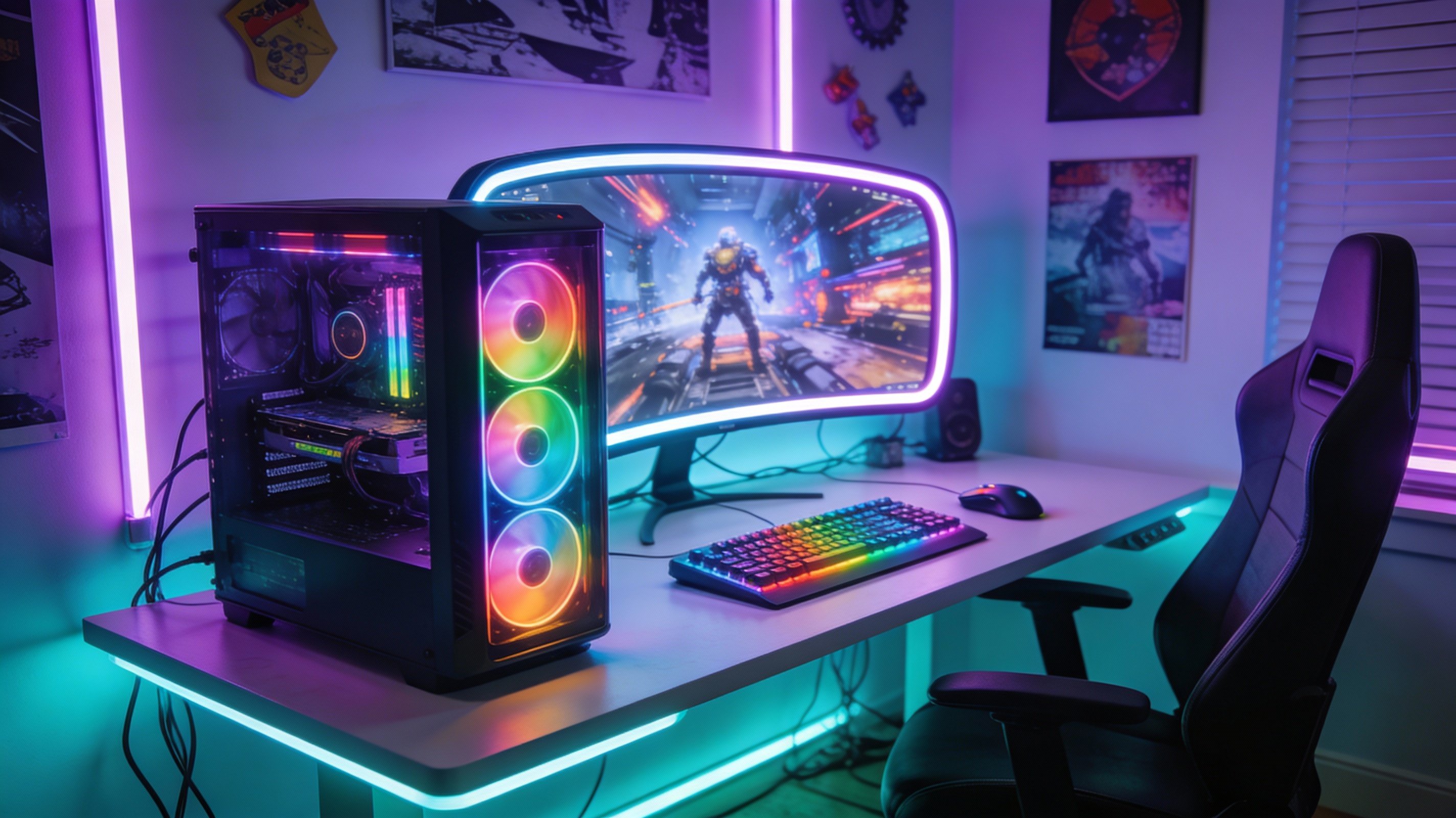
Creating an aesthetic RGB gaming setup transforms your gaming space from basic workstation to immersive battlestation. With ₹50,000 budget in India 2026, you can build a complete setup featuring synchronized RGB lighting, proper cable management, ergonomic furniture, and ambient backlighting that rivals professional streamers. This guide breaks down component selection, color coordination, smart lighting integration, and budget allocation to maximize visual impact without compromising functionality.
Budget Breakdown: ₹50,000 Allocation
| Component | Budget | Priority |
|---|---|---|
| Gaming Desk | ₹8,000-10,000 | High (foundation) |
| Gaming Chair | ₹12,000-15,000 | High (comfort) |
| LED Light Strips | ₹3,000-4,000 | Medium |
| RGB Keyboard | ₹4,000-6,000 | Medium |
| RGB Mouse + Pad | ₹3,500-5,000 | Medium |
| Monitor Light Bar | ₹1,500-2,000 | Low (quality of life) |
| Cable Management | ₹1,000-1,500 | High (aesthetics) |
| Desk Accessories | ₹2,000-3,000 | Low (optional) |
| Smart Bulbs | ₹2,500-3,500 | Low (ambient) |
| Total | ₹47,500-50,000 |
💡 Budget Flexibility Tip
If budget tight, cut smart bulbs and monitor light bar (save ₹4,000-5,500). Reinvest in better chair or desk—comfort matters more than fancy lights for long gaming sessions.
Gaming Desk: Foundation of Setup
Recommended Desk Specifications
- Size: Minimum 120cm x 60cm (supports 24-27" monitor + peripherals comfortably)
- Height: 72-76cm adjustable or fixed at 75cm (standard ergonomic height)
- Material: Engineered wood with laminate finish (avoid pure plywood—warps over time)
- Weight capacity: 80kg+ (supports monitor, PC, accessories without sagging)
- Cable management: Built-in cable grommets (2-3 holes) for routing wires underneath
Top Budget Desks India 2026
Green Soul Dexter - ₹8,999: 120cm wide, carbon fiber texture, 2 cable grommets, cup holder included. Best value under ₹10k.
Ant Esports Gaming Desk - ₹9,499: 140cm wide (more space), RGB light strip built into front edge (bonus!), strong metal frame.
IKEA Lagkapten/Alex - ₹7,500: Minimalist design, 120cm x 60cm, needs separate Alex drawer unit but ultra-clean aesthetic. Best for small rooms.
Gaming Chair: Comfort is King
What to Prioritize
- Lumbar support: Adjustable or fixed pillow prevents back pain during 4+ hour sessions
- Armrests: 3D or 4D adjustable (height, angle, forward/back)—eliminates shoulder strain
- Recline: 135-180° tilt for relaxing between matches or watching content
- Material: PU leather (easy cleaning) or fabric mesh (breathable for hot climates)
- Weight capacity: 120kg+ (ensures 5+ year lifespan without hydraulic failure)
Best Chairs Under ₹15,000
Green Soul Monster Ultimate - ₹14,999: 4D armrests, full metal frame, memory foam cushions. Most comfortable in price range. Used by Indian streamers.
Ant Esports GameX Royale - ₹12,999: RGB light strip in backrest (syncs with PC). Slightly less comfortable than Green Soul but amazing aesthetic.
Wipro Furniture Libra - ₹11,499: Mesh back (perfect for Mumbai/Chennai heat), solid lumbar support, understated design. Best for hot climates.
RGB Lighting Setup
LED Strip Lights (Priority #1)
Where to install:
- Monitor backlight: 2m strip along monitor rear edges—creates ambient bias lighting reducing eye strain
- Desk underside: 2m strip underneath desk front—illuminates floor creating floating desk illusion
- Wall accent: 3m strip behind desk on wall—adds depth, syncs with on-screen colors
Recommended products:
- Govee DreamView TV Backlight - ₹2,799: Camera-based screen sync (matches on-screen colors), 3m length, app control. Best tech for money.
- Philips Wiz Smart LED Strip - ₹2,499: 2m addressable RGB, Alexa/Google Home compatible, 16 million colors. Easy setup.
- AmazonBasics RGB Strip - ₹1,299: Budget option, 5m length, remote control (no app). Basic but functional.
RGB Peripherals
Keyboard Recommendations
Cosmic Byte CB-GK-16 - ₹4,299: Mechanical blue switches, per-key RGB, sturdy build. Best tactile feel under ₹5k.
Ant Esports MK1200 Mini - ₹3,799: 60% compact (more desk space), hot-swappable switches, RGB underglow. Perfect for minimalist setups.
Mouse + Mousepad Combo
Logitech G102 + RGB Mousepad - ₹2,599: Reliable optical sensor, Lightsync RGB (syncs with other Logitech gear), 40cm x 35cm pad with edge lighting.
Razer Viper Mini + Goliathus Chroma - ₹4,999: Premium option—8500 DPI sensor, 61g weight, Chroma RGB ecosystem integration.
Cable Management: The Secret Sauce
Best RGB setup means NOTHING if cables visible. Invest ₹1,000-1,500 in proper management:
Essential Cable Management Kit
- Cable clips (20-pack) - ₹199: Adhesive clips route cables along desk edges
- Cable sleeves (3m) - ₹299: Wrap multiple cables into single black sleeve—looks professional
- Velcro straps (50-pack) - ₹249: Bundle cables together, reusable and adjustable
- Cable tray - ₹599: Mounts under desk, holds power strips and excess cable length hidden
- Cable box - ₹399: Hide power strip inside decorative box on desk
Cable Management Process
- Measure all cable runs from devices to power strip
- Group cables by destination (PC cables together, monitor cables together)
- Use cable sleeves for grouped cables creating single "trunk"
- Route trunks along desk edges using adhesive clips
- Hide power strip in cable tray under desk rear
- Velcro-strap excess cable length into neat coils
Result: Zero visible cables except single power cord from wall to desk. Takes 2-3 hours but transforms setup appearance 10x.
Ambient Room Lighting
Smart Bulbs for Mood Lighting
Philips Wiz Smart Bulb (B22) - ₹849 each: Buy 2-3 for room ceiling and desk lamp. App-controlled 16 million colors, schedules, gaming modes.
Setup strategy:
- Gaming mode: Set room lights to dim red/blue matching on-screen action
- Chill mode: Warm white 2700K for watching streams or casual browsing
- Work mode: Bright white 5000K when using setup for study/work
Monitor Light Bar - ₹1,500-2,000
BenQ ScreenBar alternatives: Xiaomi, Baseus offer similar USB-powered desk lamps clipping to monitor top edge. Illuminate desk without screen glare. Essential for night gaming reducing eye strain 30%.
Color Coordination Tips
Choose a Theme (Pick One)
Cyberpunk (Purple + Cyan): Most popular gaming aesthetic 2026. Set all RGB to pulsing purple/cyan gradient. Matches Valorant/Cyberpunk 2077 vibes.
Matrix Green: Classic hacker aesthetic. Set monitor backlight to green, rest of setup dark. Works well with black furniture.
Sunset Orange/Red: Warm and energetic. Use for FPS gaming sessions—red proven to increase alertness 8-12%.
Monochrome White: Minimalist and clean. All lighting set to pure white—looks professional for streaming or content creation.
Synchronization is Key
Use RGB software to sync all components:
- Razer Synapse: Controls Razer peripherals + Philips Hue integration
- Logitech G HUB: Syncs Logitech mouse/keyboard/headset
- OpenRGB: Open-source tool controlling 100+ brands simultaneously—best for mixed setups
Set everything to same color profile—mismatched RGB looks cheap. Unified theme = professional appearance.
Desk Accessories & Finishing Touches
Must-Have Accessories (₹2,000-3,000)
- Headphone stand (RGB) - ₹799: Keeps headset off desk, adds vertical RGB element
- Desk mat (XXL) - ₹899: 90cm x 40cm covers entire desk surface—unified look, protects desk
- Cable box/organizer - ₹499: Hides power strips and excess cables on desk
- Monitor riser - ₹1,299: Lifts monitor to eye level (ergonomic), creates storage space underneath
- Small desk plant - ₹299: Adds organic element breaking up tech-heavy aesthetic
Common RGB Setup Mistakes
Mistake 1: Rainbow Vomit Syndrome
Setting everything to cycling rainbow mode looks tacky. Choose 2-3 colors maximum and stick to that palette. Less is more.
Mistake 2: Ignoring Cable Management
₹50,000 setup ruined by visible cable spaghetti. Spend the extra ₹1,000 and 2 hours hiding cables properly.
Mistake 3: Overly Bright RGB at Night
Blinding lights cause eye strain. Set RGB brightness to 30-50% for comfortable night gaming. Full brightness only for photos/streaming.
Mistake 4: Cheap Chair Priority
Spending ₹5,000 on chair, ₹10,000 on RGB lights = back pain within 6 months. Prioritize comfort over aesthetics. Good chair lasts 7-10 years.
Frequently Asked Questions
Can I build RGB setup under ₹30,000?
Yes. Cut gaming chair to ₹8,000 (Green Soul Beast), use budget desk (₹6,000), skip smart bulbs and monitor light bar. Focus on LED strips (₹2,000) and RGB peripherals (₹6,000). Total: ₹28,000 with decent aesthetics.
Do RGB lights improve gaming performance?
No direct performance boost. However, proper bias lighting (monitor backlight) reduces eye strain 20-30%, potentially improving sustained focus. RGB peripherals perform identically to non-RGB versions—purely aesthetic preference.
Which is better: one brand ecosystem or mixed brands?
Mixed brands offer better price/performance. Use OpenRGB software to sync everything. Single-brand ecosystems (all Razer or all Logitech) sync easier but cost 30-40% more for equivalent specs.
How much electricity do RGB setups consume?
Full RGB setup (10m LED strips, RGB peripherals, smart bulbs) uses 30-50W total. At ₹6/kWh electricity, costs ₹5-8/month for 5 hours daily use. Negligible impact on bills.
Conclusion
Building aesthetic RGB gaming setup under ₹50,000 in India requires smart prioritization—invest heavily in desk (₹8k-10k) and chair (₹12k-15k) for long-term comfort, then allocate remaining budget to RGB lighting (₹5k-7k), peripherals (₹7k-11k), and cable management (₹1k-1.5k). Choose unified color theme, sync all RGB components, and hide every visible cable for professional appearance.
Remember: Setup is personal. Don't chase Instagram aesthetics if functionality suffers. Best setup is one YOU enjoy using daily, whether that's full rainbow explosion or minimalist monochrome. Start with basics, upgrade gradually, and your battlestation will evolve into dream setup over time.