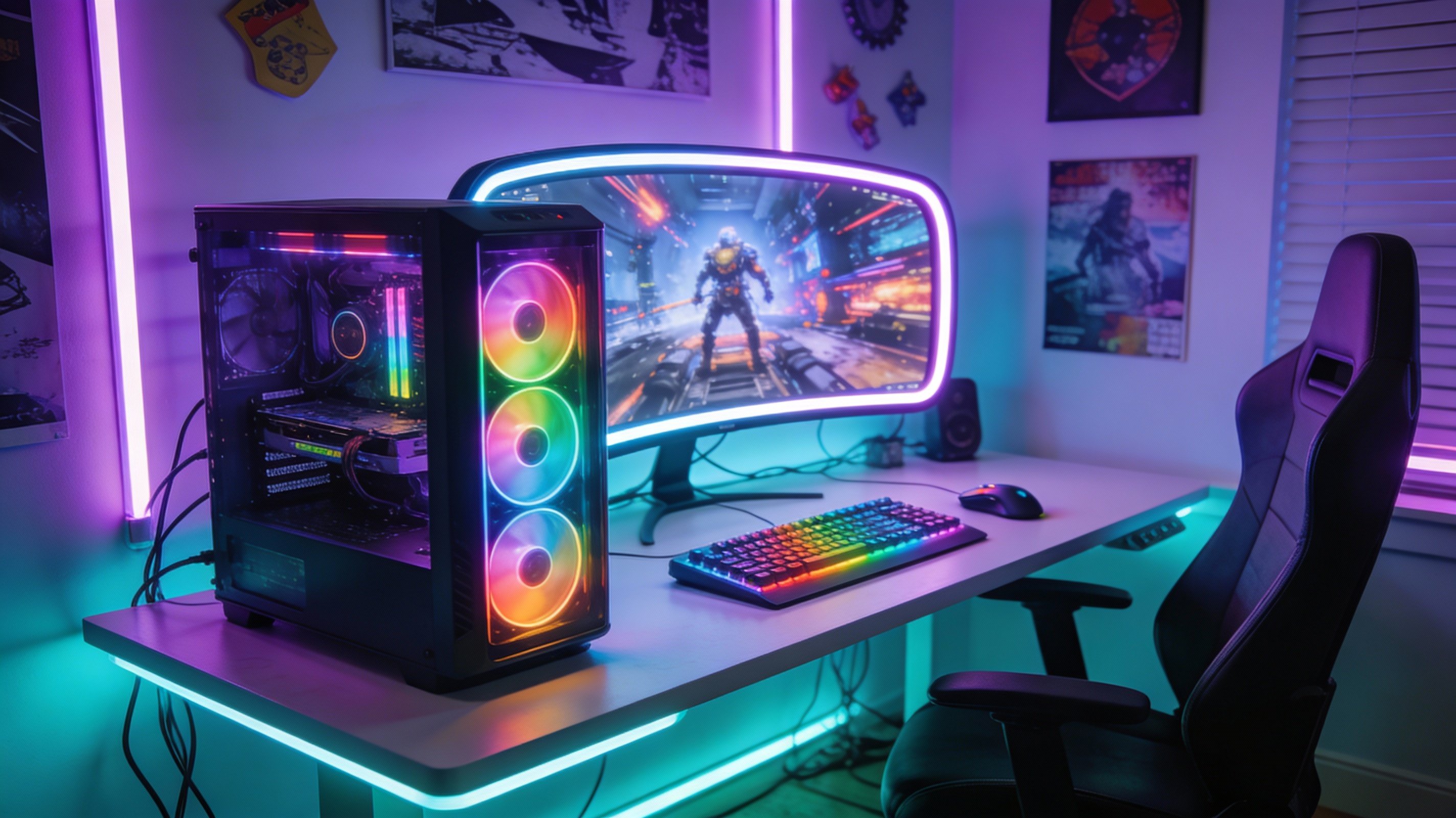
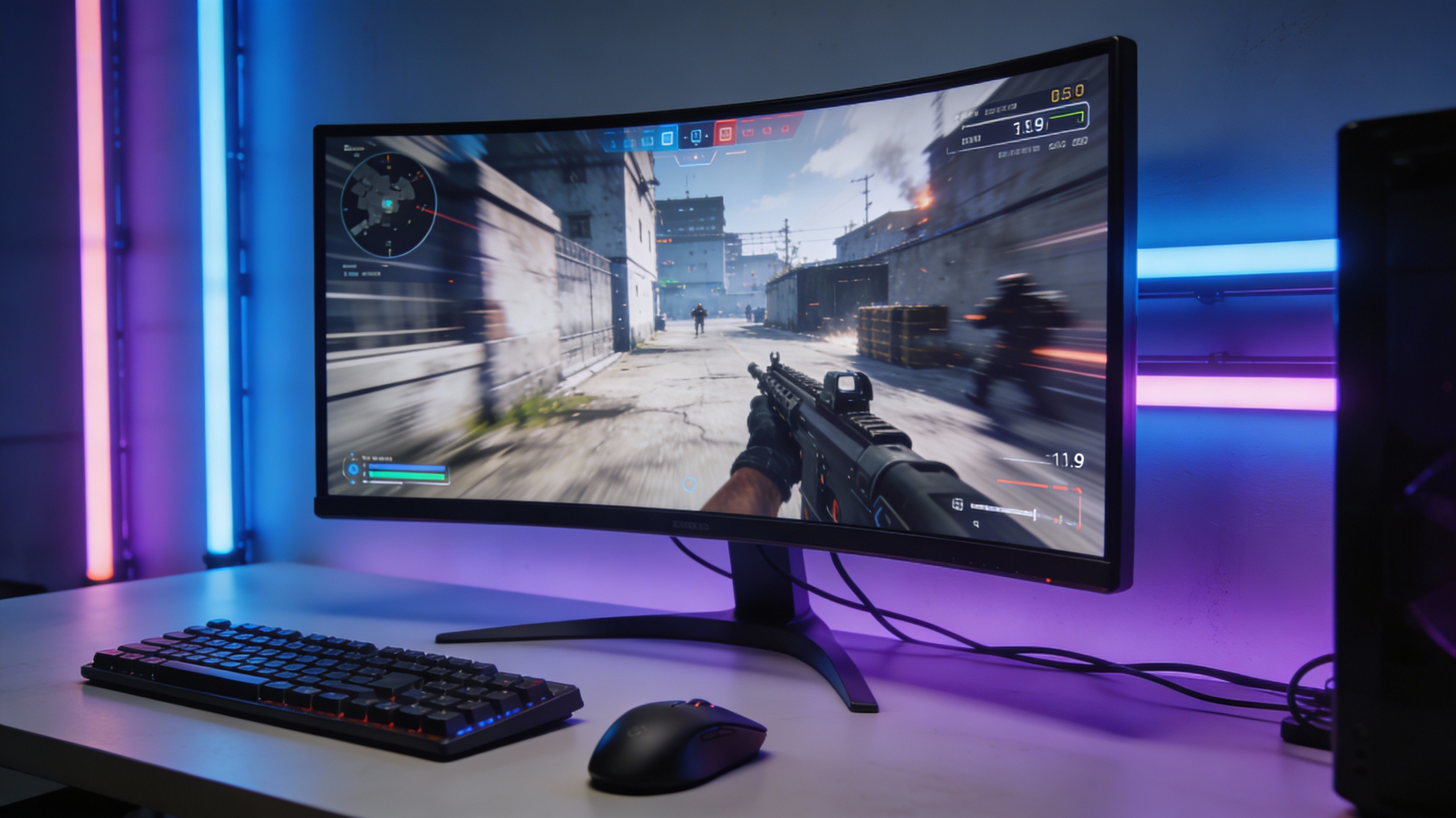
Upgrading from 60Hz to 144Hz gaming monitor transforms competitive gameplay—smoother aim tracking, reduced input lag, and clearer motion during fast-paced action. Finding quality gaming monitors under ₹15,000 in India requires balancing refresh rate, response time, panel type, and build quality. This guide reviews the top 6 budget gaming monitors available in 2026, compares key specifications, and explains what features matter most for different game genres.
What to Look for in Budget Gaming Monitors
Before diving into specific models, understand these critical specifications:
Refresh Rate (Hz)
144Hz minimum for competitive gaming (Valorant, CS2, Apex). The difference between 60Hz and 144Hz is massive—144Hz displays 144 frames per second, making enemy movements smoother and improving reaction time by 10-15ms. Some budget monitors now offer 165Hz or 180Hz at similar prices.
Response Time (ms)
1ms GTG (Gray-to-Gray) eliminates motion blur and ghosting during fast camera pans. Marketing often shows "1ms MPRT" which is less important—prioritize GTG response time. Anything above 4ms creates noticeable blur in FPS games.
Panel Type
- TN panels: Fastest response (0.5-1ms), poor colors and viewing angles, cheapest option
- IPS panels: Best colors and viewing angles, 1-4ms response, slightly more expensive
- VA panels: Best contrast for dark games, 4-6ms response (avoid for competitive FPS)
Recommendation: IPS panels now match TN speed at budget prices while offering superior color accuracy. Choose IPS unless extremely tight budget.
Adaptive Sync (FreeSync/G-Sync)
Eliminates screen tearing when FPS doesn't match refresh rate. AMD FreeSync works with AMD and Nvidia GPUs (10-series and newer). G-Sync adds ₹3,000-5,000 premium—stick with FreeSync for budget builds.
💡 Quick Buying Tip
Prioritize: 144Hz refresh rate > 1ms response time > IPS panel > 24" size. Don't overpay for "gaming" branding—specs matter more than RGB logos.
Top 6 Budget Gaming Monitors Under ₹15,000
1. Acer Nitro VG240YS - ₹12,999
Best Overall Value
| Resolution | 1920x1080 (Full HD) |
| Refresh Rate | 165Hz |
| Response Time | 1ms VRB (2ms GTG actual) |
| Panel Type | IPS |
| Adaptive Sync | AMD FreeSync Premium |
| Extras | Height adjustable stand, VESA mount |
Why buy: Best balance of specs and price. 165Hz IPS with decent color accuracy (99% sRGB). Height adjustment rare at this price. Great for Valorant, CS2, Fortnite.
Drawbacks: Speakers are terrible (use headphones). Stand is wobbly despite height adjustment.
2. MSI G2412F - ₹11,499
Best Budget Pick
- Specs: 24" IPS, 180Hz, 1ms GTG, FreeSync Premium
- Why buy: Cheapest 180Hz IPS monitor in India. Actual 1ms GTG response time (not marketing). Excellent anti-glare coating.
- Drawbacks: Fixed stand (no height/tilt adjustment). Colors slightly washed compared to Acer Nitro. 2-year warranty vs 3-year on competitors.
Best for: Pure competitive gaming where refresh rate matters most. Perfect for BGMI, Free Fire, COD Mobile emulator players.
3. BenQ MOBIUZ EX2410R - ₹14,999
Best for Single-Player Games
- Specs: 24" IPS, 165Hz, 1ms MPRT, FreeSync Premium, HDR10
- Why buy: Best color accuracy in budget segment (100% sRGB, 90% DCI-P3). HDR10 support for story games. TreVolo speakers actually decent.
- Drawbacks: Only 165Hz (not 180Hz). HDR brightness peaks at 350 nits (mediocre HDR experience). Most expensive option.
Best for: Players who balance competitive FPS with story-driven games (Cyberpunk, RDR2, Spider-Man). Color quality justifies ₹3,000 premium.
4. LG 24GN60R-B - ₹13,299
Most Reliable Brand
- Specs: 24" IPS, 144Hz, 1ms MBR, AMD FreeSync
- Why buy: LG reliability—lowest failure rate among budget monitors. 3-year warranty with excellent service network. Motion Blur Reduction mode helps older GPUs.
- Drawbacks: "Only" 144Hz when competitors offer 165Hz+. Stand doesn't tilt. Thicker bezels.
Best for: First-time gaming monitor buyers wanting brand trust and warranty peace of mind.
5. ASUS TUF Gaming VG249Q1A - ₹13,899
Best Build Quality
- Specs: 24" IPS, 165Hz, 1ms MPRT, AMD FreeSync Premium
- Why buy: Sturdiest build in budget category—no flex or creaking. GamePlus features (crosshair overlay, FPS counter). ELMB-Sync works with FreeSync simultaneously.
- Drawbacks: Colors slightly cooler (bluish tint) out of box—needs calibration. Stand height not adjustable.
Best for: Rough users or households with kids/pets. Premium plastic quality lasts longer than competitors.
6. Gigabyte G24F 2 - ₹12,799
Hidden Gem
- Specs: 24" IPS, 180Hz, 1ms GTG, AMD FreeSync Premium
- Why buy: 180Hz + actual 1ms GTG at ₹12,799. KVM switch built-in (control 2 PCs with one monitor). VESA mount included.
- Drawbacks: Limited availability (check stock before deciding). OSD menu confusing. Gigabyte's Indian service network weaker than LG/ASUS.
Best for: Tech-savvy users comfortable with DIY troubleshooting. Excellent specs-per-rupee ratio.
Detailed Comparison Table
| Model | Price | Refresh Rate | True Response | Stand Quality |
|---|---|---|---|---|
| Acer Nitro VG240YS | ₹12,999 | 165Hz | 2ms GTG | Height adjust (wobbly) |
| MSI G2412F | ₹11,499 | 180Hz | 1ms GTG | Fixed (sturdy) |
| BenQ MOBIUZ EX2410R | ₹14,999 | 165Hz | 3ms GTG | Tilt only (premium) |
| LG 24GN60R-B | ₹13,299 | 144Hz | 2ms GTG | Fixed (solid) |
| ASUS TUF VG249Q1A | ₹13,899 | 165Hz | 3ms GTG | Tilt (very sturdy) |
| Gigabyte G24F 2 | ₹12,799 | 180Hz | 1ms GTG | Height+Tilt (decent) |
📏 Monitor Distance Calculator
Calculate optimal viewing distance for your new gaming monitor
Try CalculatorWhere to Buy: Trusted Retailers
Best places to purchase gaming monitors in India with warranty support:
- Amazon India: Best return policy (30 days no questions), frequent sales (Prime Day, Great Indian Festival)
- Flipkart: Competitive pricing, exchange offers for old monitors
- Vedant Computers: Bangalore-based, excellent service, custom PC builds available
- MD Computers: Kolkata HQ, nationwide shipping, responsive customer service
- PrimeABGB: Mumbai store, helpful staff, allows in-person testing before buying
Avoid: Unknown marketplace sellers, refurbished monitors without warranty, Facebook Marketplace deals (high scam risk).
Must-Have Accessories (Budget: ₹2,000)
Monitor Arm - ₹1,200-1,800
Replace default stand with gas spring arm for infinite height/angle adjustment. Frees desk space underneath. Brands: AmazonBasics, Ant Esports. Ensure monitor has VESA mount (100x100mm or 75x75mm).
HDMI 2.0 Cable - ₹300-500
Budget monitors include cheap HDMI 1.4 cables limiting to 120Hz. Buy certified HDMI 2.0 cable (₹400) to unlock full 144Hz/165Hz. DisplayPort 1.2 cable even better (₹500) if GPU has DP output.
Monitor Light Bar - ₹800-1,200
Reduces eye strain during night gaming. BenQ ScreenBar alternatives available on Amazon. Clips to monitor top, lights desk without screen glare.
Calibration Tips for Best Picture
Out-of-box settings often oversaturated or too dim. Optimize:
- Brightness: Set to 60-70% (120-140 nits for dark rooms, 180-220 nits for bright rooms)
- Contrast: Keep at 75-80% (higher causes white clipping)
- Color Temperature: Use "Warm" preset or custom 6500K (reduces blue light eye strain)
- Sharpness: Set to 0 or 5 max (higher creates artificial edge enhancement)
- Game Mode: Enable for reduced input lag (1-3ms faster than standard mode)
Use online tests like TestUFO motion blur checker and Lagom LCD calibration to fine-tune settings.
Common Buying Mistakes to Avoid
Mistake 1: Buying 27" 1080p Monitor
At 27", 1080p resolution looks pixelated (pixel density too low). Stick to 24" for 1080p gaming, or buy 1440p if going 27"+ (costs ₹20,000+).
Mistake 2: Trusting "1ms" Marketing
Always check if it's MPRT (marketing) or GTG (actual response time). Only GTG matters for gaming. Most budget "1ms" monitors are actually 2-4ms GTG.
Mistake 3: Ignoring GPU Compatibility
144Hz monitor means nothing if your GPU outputs 60fps. Check your GPU can hit 100+ FPS in your games before upgrading monitor. GTX 1650 struggles with 144Hz, RTX 3060/RX 6600 handles it easily.
Mistake 4: Skipping Extended Warranty
₹800-1,200 extended warranty (3 years total) worth it for monitors. Panel defects show up in year 2-3. Saves ₹5,000+ replacement cost if dead pixels appear.
Frequently Asked Questions
Is 144Hz worth it over 60Hz?
Absolutely. 144Hz reduces motion blur by 58% and input lag by 10-15ms compared to 60Hz. Every competitive gamer notices the difference within first match. Once you experience 144Hz, 60Hz feels sluggish.
Do I need G-Sync or is FreeSync enough?
FreeSync sufficient for 99% of gamers. Modern Nvidia GPUs (GTX 10-series onward) support FreeSync via "G-Sync Compatible" mode. Save the ₹5,000 G-Sync premium for better GPU instead.
Should I buy TN for fastest response or IPS for better colors?
IPS in 2026. Modern IPS panels achieve 1-2ms GTG (effectively identical to TN) while maintaining superior colors and viewing angles. TN only made sense 3-4 years ago when IPS was slow.
Can I use gaming monitor for office work/content creation?
Yes, but limit brightness to 30-40% for office use (prevents eye strain). IPS panels recommended for content creation due to accurate colors. Budget monitors lack Adobe RGB coverage—fine for gaming, not ideal for professional photo/video editing.
Final Recommendation by Budget
Best value (₹11,500-12,000): MSI G2412F—180Hz IPS with true 1ms GTG. Perfect for competitive gamers prioritizing performance over features.
Best balanced (₹12,500-13,500): Acer Nitro VG240YS—165Hz IPS with height-adjustable stand. Ideal first gaming monitor covering all bases.
Best premium (₹14,500-15,000): BenQ MOBIUZ EX2410R—165Hz IPS with superior colors for mixed gaming (competitive + story games).
All three deliver massive upgrade over 60Hz panels and will serve well for 4-5 years before needing replacement. Choose based on your primary game genre and desk setup requirements.