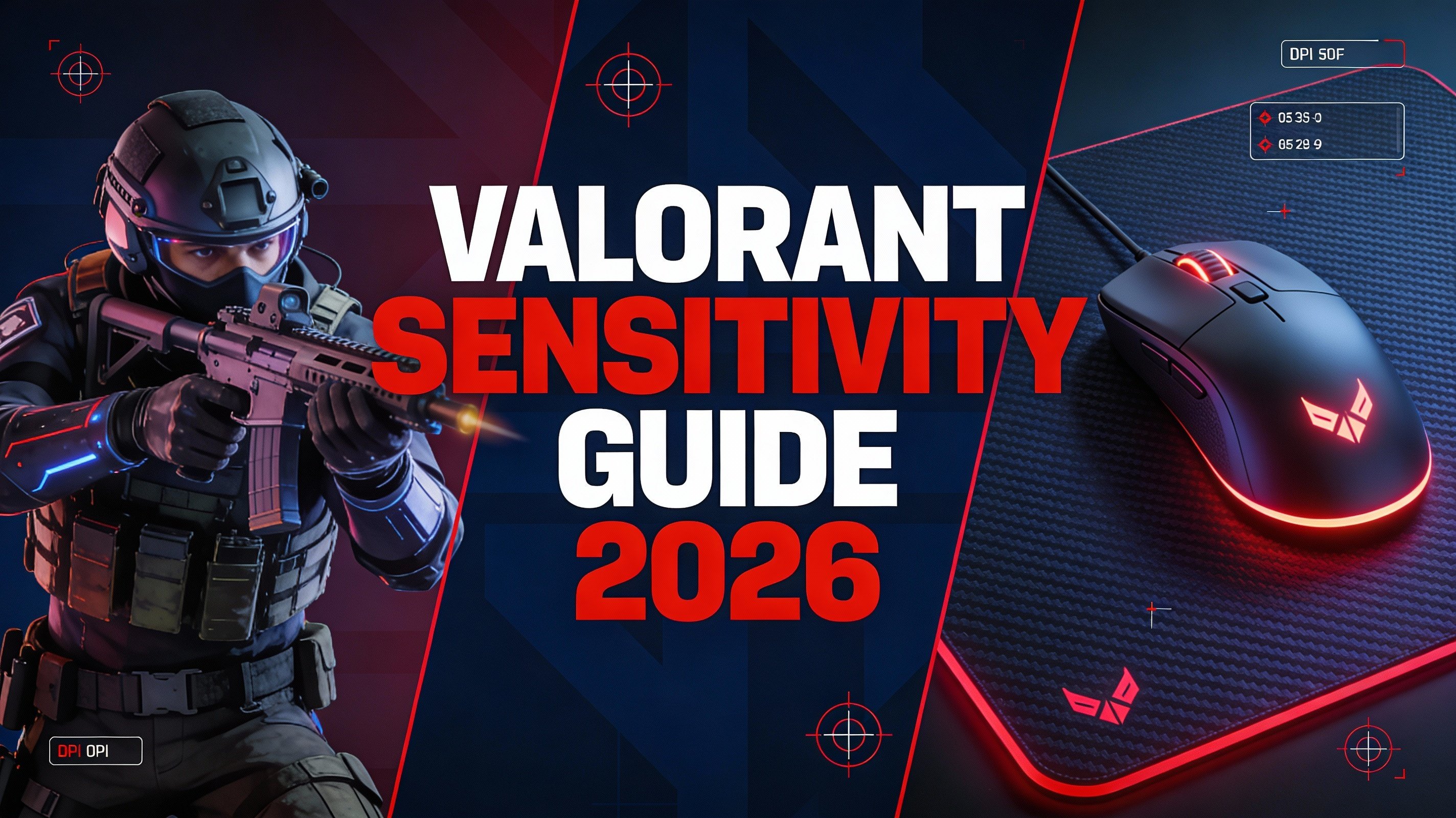
Finding the perfect sensitivity in Valorant can be the difference between hitting headshots consistently and missing crucial shots. This comprehensive guide will walk you through everything you need to know about Valorant sensitivity settings, including how pro players configure their setups.
Understanding Valorant Sensitivity
Sensitivity in Valorant determines how far your crosshair moves when you move your mouse. Lower sensitivity provides more precision for headshots, while higher sensitivity allows for faster flicks and movement.
What is eDPI?
eDPI (effective Dots Per Inch) is calculated by multiplying your mouse DPI by your in-game sensitivity. For example, if you use 800 DPI with 0.4 in-game sensitivity, your eDPI is 320 (800 × 0.4 = 320).
💡 Pro Tip
Most professional Valorant players use an eDPI between 200-400, with the average being around 280 eDPI.
Optimal DPI Settings for Valorant
The most commonly used DPI settings among professional players are:
- 400 DPI: Classic FPS standard, offers maximum precision
- 800 DPI: Most popular among Valorant pros, balanced feel
- 1600 DPI: Higher precision, requires lower in-game sens
Pro Player Sensitivity Settings
Here's what some of the top Valorant professionals use:
| Player | Team | DPI | Sensitivity | eDPI |
|---|---|---|---|---|
| TenZ | Sentinels | 800 | 0.35 | 280 |
| Aspas | Leviatán | 800 | 0.336 | 269 |
| Less | LOUD | 800 | 0.21 | 168 |
How to Find Your Perfect Sensitivity
Step 1: Start with the Average
Begin with 800 DPI and 0.35 sensitivity (280 eDPI). This is close to the professional average and provides a good baseline.
Step 2: The Range Test
- Enter a practice range or deathmatch
- Practice tracking moving targets
- If you're consistently overshooting, lower your sensitivity by 0.05
- If you're undershooting or feel too slow, increase by 0.05
- Repeat until comfortable
Step 3: The 180° Test
Place your mouse in the center of your mousepad. Swipe to the edge - you should be able to turn approximately 180-270 degrees. This ensures you have enough mouse space for quick turns while maintaining precision.
⚠️ Important
Once you find your sensitivity, stick with it! Constantly changing sensitivity will hurt your muscle memory development.
Additional Mouse Settings
Windows Mouse Settings
- Set pointer speed to 6/11 (middle position)
- Disable "Enhance pointer precision" (mouse acceleration)
- Disable pointer trails
In-Game Settings
- Scoped Sensitivity: 1.0 (default, maintains consistent feel)
- Raw Input Buffer: ON (reduces input lag)
- Mouse Acceleration: OFF
Use Our Sensitivity Converter Tool
Switching from another FPS game? Use our Valorant Sensitivity Converter to match your settings from games like CS:GO, Apex Legends, or Overwatch.
🎯 Valorant Sensitivity Converter
Convert your sensitivity from any FPS game to Valorant instantly
Try It NowCommon Sensitivity Mistakes
1. Copying Pro Settings Blindly
What works for professionals might not work for you. Pro players have thousands of hours of muscle memory. Use their settings as a reference, not a rule.
2. Changing Sensitivity Too Often
Give yourself at least 2 weeks to adjust to a new sensitivity before making changes. Muscle memory takes time to develop.
3. Using Too High Sensitivity
While high sensitivity allows for quick movements, it sacrifices precision. In Valorant, where headshots are crucial, lower sensitivity typically performs better.
Conclusion
Finding your perfect Valorant sensitivity is a personal journey. Start with the professional average (280 eDPI), adjust based on your playstyle, and most importantly - stay consistent. With practice and the right settings, you'll see significant improvement in your aim and overall performance.
Remember to use our free sensitivity converter tool to help you find your perfect settings!