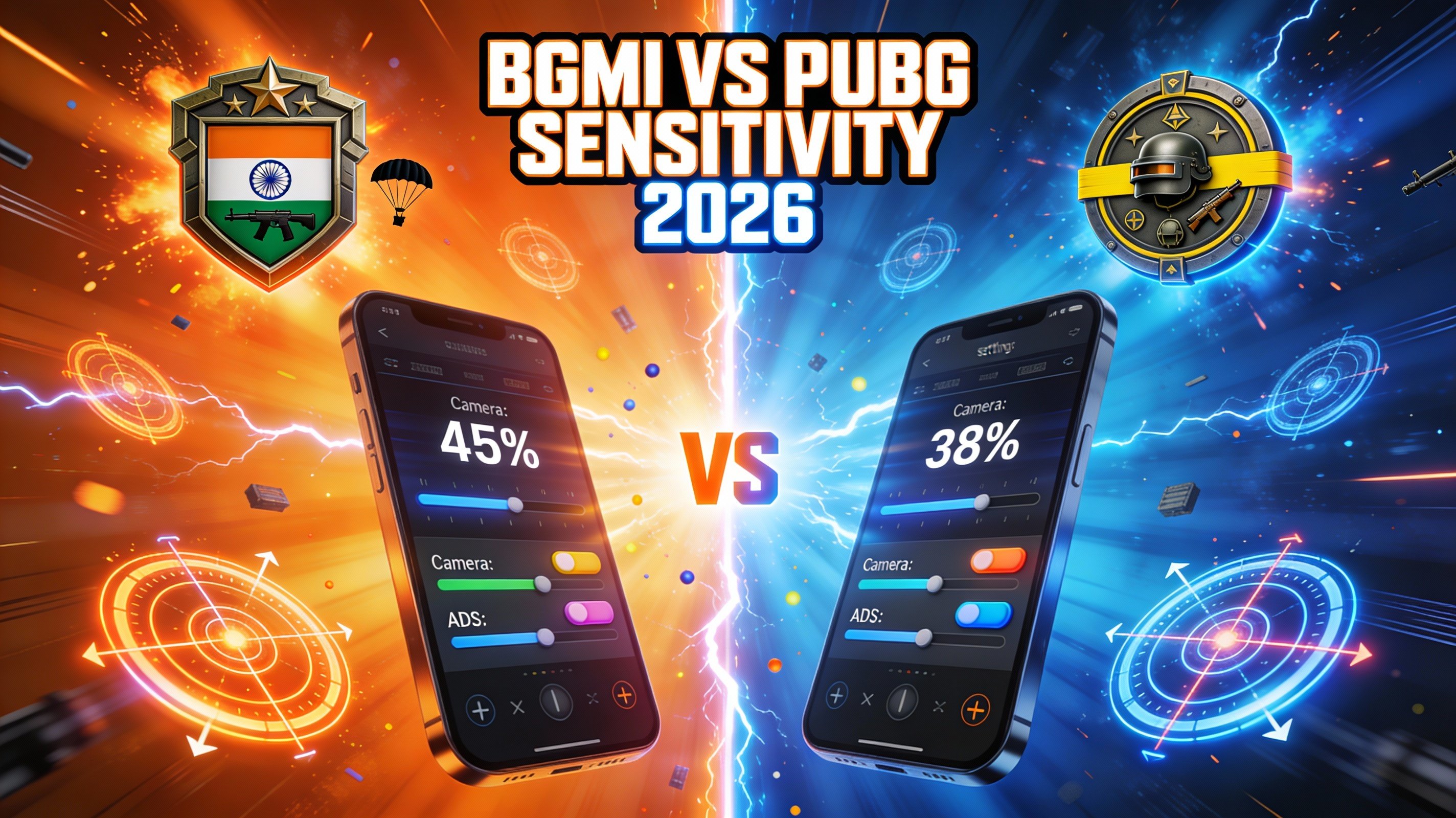
Switching between BGMI (Battlegrounds Mobile India) and PUBG Mobile? This comprehensive guide covers sensitivity differences, conversion methods, and pro player settings for 2025.
BGMI vs PUBG Mobile: Key Differences
Sensitivity Scale
Both games use identical sensitivity scales (1-100%), but feel different due to:
- 🎮 Graphics optimization - BGMI runs smoother on lower-end devices
- 📊 Frame rate differences - Affects aim stability
- 🌍 Server locations - Ping impacts response time
- 🎯 Aim assist - Slightly tweaked in BGMI
Understanding Sensitivity Types
1. Camera Sensitivity (Free Look)
Controls how fast you look around without ADS (Aim Down Sights).
Recommended Range: 150-250% for quick 180° turns
2. ADS Sensitivity
Different sensitivity for each scope type:
| Scope Type | Recommended Range |
|---|---|
| No Scope | 100-150% |
| Red Dot/Holo | 40-70% |
| 2x Scope | 35-55% |
| 3x Scope | 30-50% |
| 4x Scope | 25-45% |
| 6x Scope | 20-35% |
| 8x Scope | 15-25% |
3. Gyroscope Sensitivity
Motion-based aiming using device tilt.
- Gyro Users: 200-400%
- Non-Gyro Users: Turn it off (0%)
Converting Sensitivity: BGMI ↔ PUBG Mobile
✅ Good News!
Since both games share the same engine and sensitivity system, no conversion is needed. Simply copy your exact settings:
BGMI Camera Sens 180% = PUBG Mobile Camera Sens 180%BGMI 4x Scope 35% = PUBG Mobile 4x Scope 35%
Exception: If game versions differ significantly (e.g., BGMI 2.9 vs PUBG Global 3.0), minor adjustments might be needed.
Pro Player Sensitivity Settings 2025
1. Jonathan (GodLike Esports)
| Setting | Value |
|---|---|
| Camera | 180% |
| ADS (No Scope) | 130% |
| Red Dot | 55% |
| 2x | 45% |
| 3x | 40% |
| 4x | 35% |
| 6x | 28% |
| 8x | 20% |
| Gyroscope | 300% |
2. Scout (Team SouL)
- Camera: 200%
- Red Dot: 60%
- 4x: 38%
- Gyro: 280%
3. Mavi (Revenant Esports)
- Camera: 165%
- Red Dot: 50%
- 4x: 32%
- Gyro: 350%
How to Find Your Perfect Sensitivity
Step 1: Test Camera Sensitivity
- Drop in Training Ground
- Set camera to 150%
- Try doing a quick 180° turn
- Too slow? Increase by 20. Too fast? Decrease by 20.
- Repeat until comfortable
Step 2: Calibrate Scope Sensitivity
- Grab an M416 with 4x scope
- Target a tree 100m away
- Track the tree while strafing left/right
- Adjust 4x sens until tracking feels smooth
Step 3: Test in Real Matches
Play 10 classic matches before making changes. Your brain needs time to adapt!
Gyroscope: Should You Use It?
✅ Advantages of Gyroscope
- Faster, more precise aim adjustments
- Better recoil control for spraying
- Easier to track moving targets
- All pro players use it
❌ Disadvantages
- Steep learning curve (2-4 weeks)
- Requires steady hands
- Not ideal for playing in moving vehicles (IRL)
💡 Recommendation
If you're serious about competitive play, learn gyroscope. Start with low sensitivity (200%) and gradually increase.
Device-Specific Sensitivity Tips
Budget Phones (SD 660 or lower)
- Lower camera sens: 140-170%
- Graphics: Smooth + Extreme FPS
- Turn off shadows and anti-aliasing
Mid-Range Phones (SD 778G, Dimensity 1200)
- Balanced sens: 170-200%
- Graphics: HD + Ultra FPS
Flagship Phones (SD 8 Gen 2+, A17 Pro)
- High sens: 200-250%
- Graphics: Ultra HD + Extreme FPS
- Enable 90Hz/120Hz mode
Common Sensitivity Mistakes
- ❌ Copying pro settings without testing
- ❌ Changing sensitivity daily
- ❌ Using same sens for all scopes
- ❌ Ignoring gyroscope completely
- ❌ Playing on low FPS (below 60)
Advanced Tips for Better Aim
1. Enable Peek & Fire
Allows you to lean left/right while ADS. Essential for cover fights.
2. Use 4-Finger Claw Layout
- Left Thumb: Movement joystick
- Left Index: Peek/lean button
- Right Thumb: Aim + camera
- Right Index: Fire button
3. Adjust ADS Mode
Hold ADS > Tap ADS for better control during spray transfers.
4. Practice Recoil Control
Spend 15 minutes daily in Training Ground:
- M416 full spray at 100m
- AKM burst fire (3-5 bullets)
- Groza spray at 50m
Tools to Improve Your Game
- 📊 BGMI K/D Calculator - Track your stats
- 🎯 FOV Calculator - Optimize field of view
- 🖱️ Sensitivity Tester - Find perfect settings
Conclusion
BGMI and PUBG Mobile share identical sensitivity systems, making transitions seamless. Focus on finding YOUR perfect settings rather than blindly copying pros. Practice consistently, and your aim will improve dramatically!
🎮 Calculate Your BGMI/PUBG Stats
Track K/D ratio, win rate, and performance metrics!
Try K/D Calculator →